
Download Dragonfire – 8-bit, retro, dragon, treasure, adventure, arcade, nostalgic, classic, gameplay, vintage
Overview
Dragonfire is a nostalgic 8-bit mobile game that immerses players in a vibrant, pixelated world ruled by dragons. As the prince of a besieged kingdom, your mission is to reclaim stolen treasure while navigating perilous landscapes filled with fireballs and dragon encounters. Designed with a retro aesthetic, the game offers a straightforward yet engaging experience rooted in classic arcade principles.
It appeals to both longtime gamers who cherish vintage titles and newer players curious about the origins of modern gaming. The developer, Dragonfire Games, has crafted a lightweight, accessible title that emphasizes pure gameplay over advanced graphics or complex mechanics. This focus makes Dragonfire a valuable entry point for those exploring retro gaming or seeking brief, adrenaline-fueled sessions on their smartphone.
The game’s purpose is clear: deliver fast-paced, nostalgic entertainment in a compact package. Its real-world use cases include casual gaming during short breaks, nostalgic recreation for older players, and a gateway for younger users to experience early video game design. In the broader app ecosystem, Dragonfire holds a niche position as a minimalist, high-impact mobile experience that stands out in a market saturated with graphically intensive titles.
Key Features & Functionality
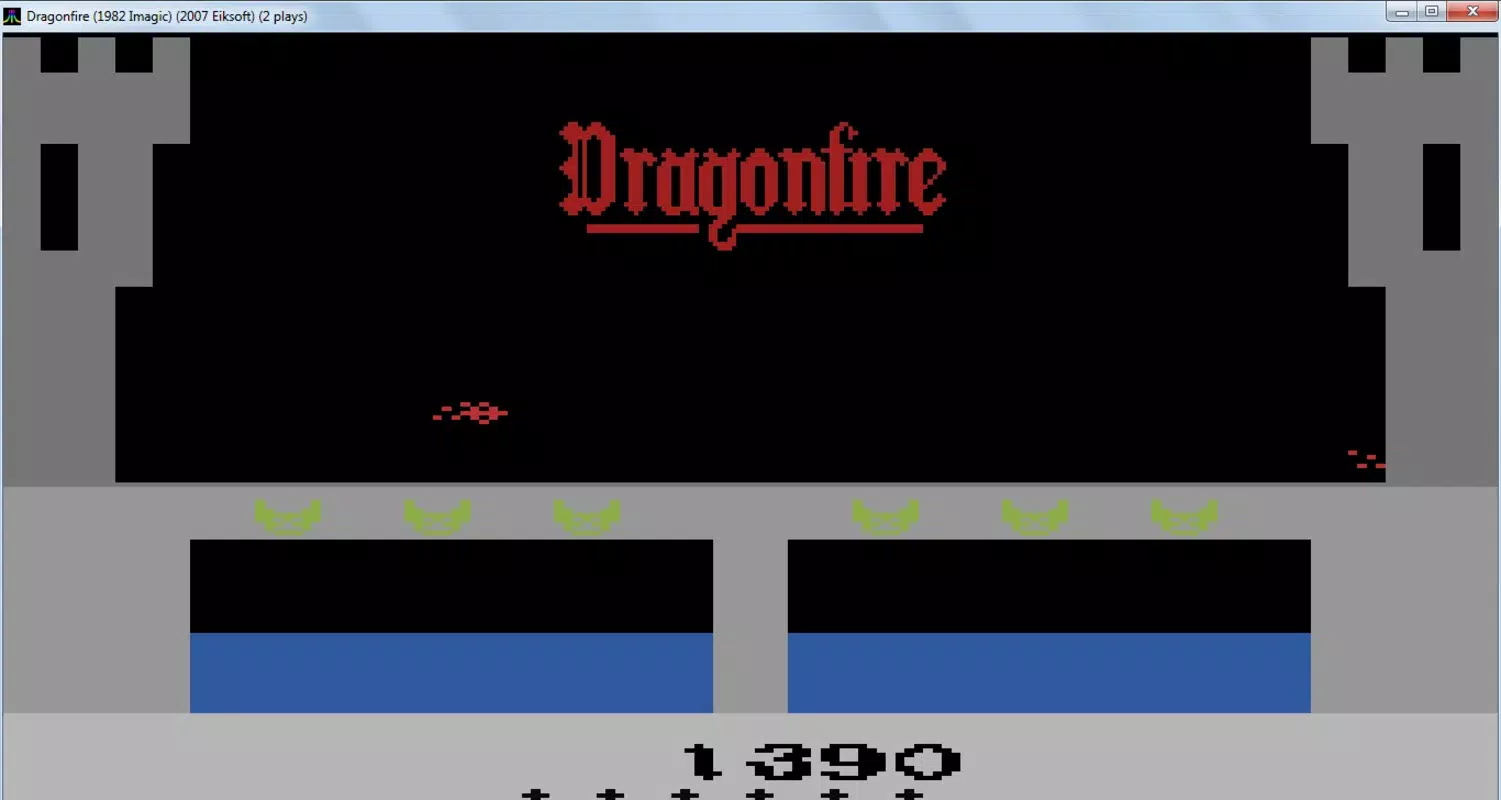
- Retro 8-Bit Aesthetic: The game’s visual design embraces the pixel art style of early consoles, offering a deliberate departure from modern high-definition graphics. This choice enhances the nostalgic experience, allowing players to relive the charm of 1980s and 1990s gaming. Each sprite and background element is carefully crafted to reflect the limitations and creativity of the era.
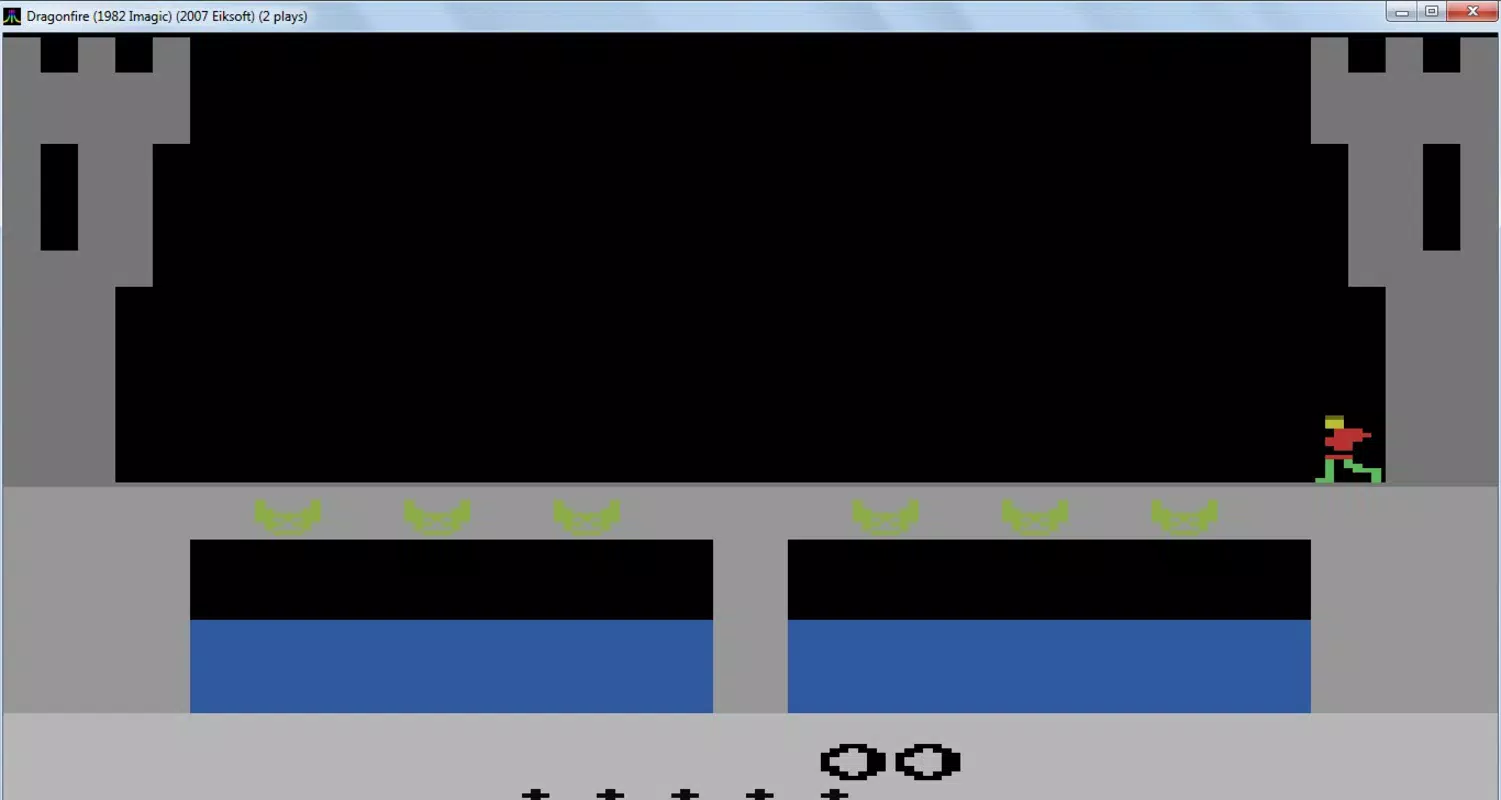
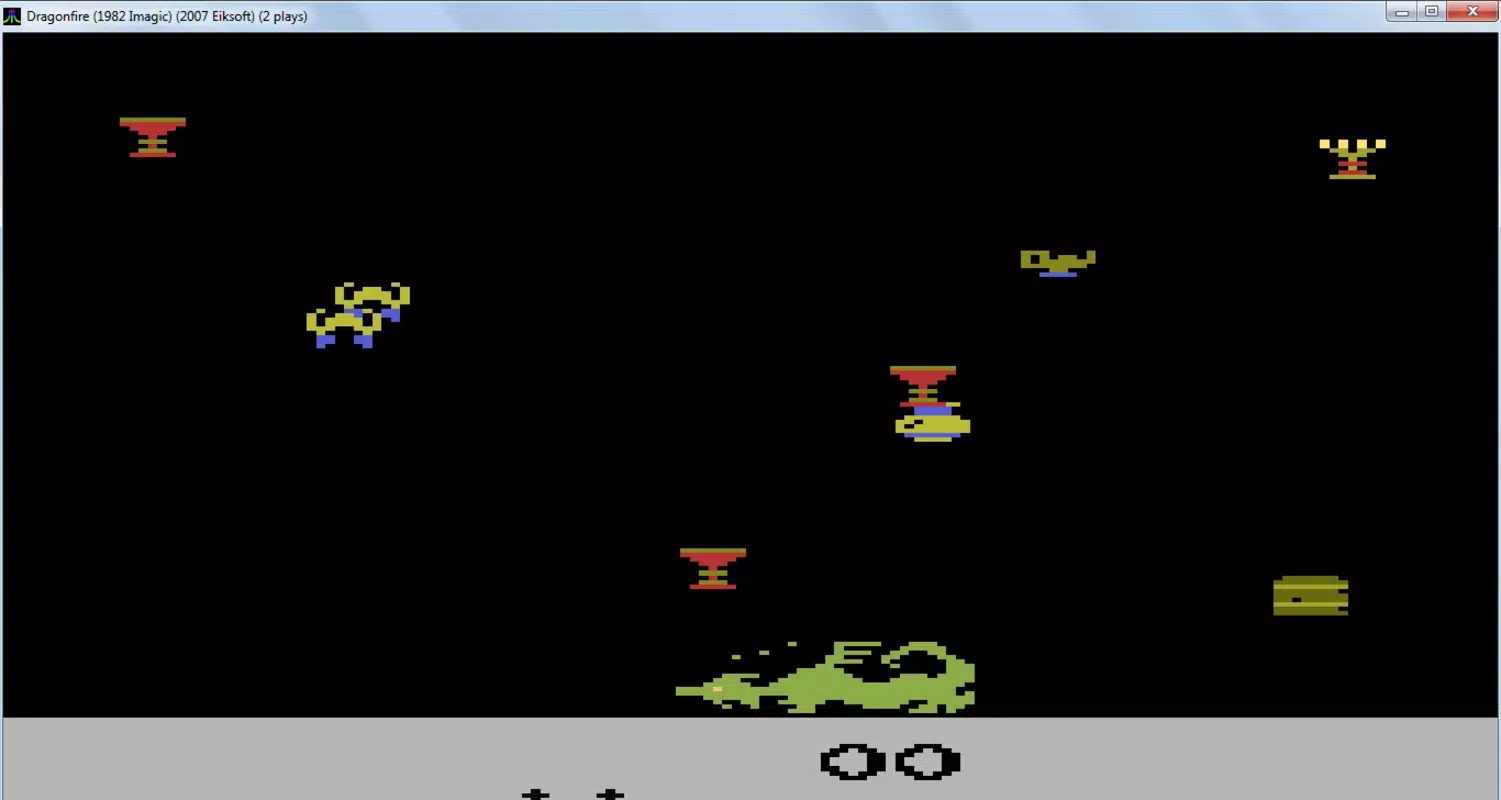
- Simple Gameplay Mechanics: Dragonfire centers around two core gameplay screens: one focused on dodging hazards like fireballs and dragons on a narrow bridge, and another dedicated to collecting scattered treasure. The mechanics are intentionally minimal, enabling quick learning and immediate engagement without requiring tutorials or complex controls.
- Frantic Action Moments: The game delivers short, intense bursts of action that mirror the pacing of classic arcade titles. Players must react quickly to avoid danger, creating a sense of urgency and excitement. These moments are designed to be replayable and rewarding, encouraging repeated attempts to improve scores or progress further.
- Nostalgic Vibe: For players with decades of gaming history, Dragonfire serves as a heartfelt tribute to early video games. Its simple mechanics, chiptune soundtrack (implied by the aesthetic), and pixel-perfect visuals evoke a deep emotional connection to formative gaming experiences, making it more than just a game—it’s a cultural artifact.
Interface, UX & Performance
The user interface of Dragonfire is minimal and functional, reflecting its retro roots. Navigation is straightforward, relying on intuitive touch controls that respond predictably to player input. The layout of the two primary screens—bridge evasion and treasure collection—is clearly separated, reducing cognitive load and ensuring players can focus on the immediate challenge.
Visual design emphasizes clarity over ornamentation, using high-contrast colors and distinct sprites to differentiate hazards from collectibles. The game’s performance is optimized for lightweight execution, with a file size of just 2.1 MB, indicating efficient resource usage. Although the developer did not list formal performance metrics, the app’s small footprint suggests smooth operation across a wide range of Android devices, including older or entry-level models.
Responsiveness is consistent with the genre’s expectations, with minimal input lag during fast-paced sequences. Stability appears reliable based on its long-standing presence since 2011, though no recent updates have been documented. Overall, the UX prioritizes accessibility and immediacy, aligning perfectly with its target audience of casual and nostalgic players.
Platform Compatibility & Technical Requirements
Dragonfire is available exclusively on the Android platform. The current version is 1.0, with a file size of 2.1 MB, making it ideal for devices with limited storage. The developer did not specify minimum OS requirements or compatibility details, nor did they list any hardware dependencies.
This lack of detailed information suggests the app is designed for broad compatibility, likely supporting most Android devices released from the early 2010s onward. Given its release date of November 29, 2011, and lightweight nature, it may function on older Android versions, though users are advised to check device compatibility manually. The app is free to download and install, with no in-app purchases or advertisements mentioned.
No specific permissions were listed, which may indicate minimal system access, further enhancing its security profile for cautious users.
Pros and Cons
- Lightweight design (2.1 MB) ideal for low-storage devices
- Simple, accessible gameplay suitable for all skill levels
- Authentic retro 8-bit aesthetic with nostalgic appeal
- Free to download and install with no in-app purchases
- Designed for quick, engaging gaming sessions
- Outdated release date (2011) with no known updates
- No official information on OS compatibility or device requirements
- Minimal feature set may not appeal to modern gamers seeking depth
- Graphics and audio are intentionally basic, which may limit appeal for some users
- Limited visual feedback or progression systems beyond score tracking
FAQ
Is Dragonfire safe to download on Android?
Yes, the app is free and has been available since 2011. With no reported security issues and minimal permissions, it is considered safe for installation on Android devices.
Can I play Dragonfire on iOS?
The app is currently available only on Android. No iOS version has been released or announced by the developer.
Does Dragonfire require an internet connection?
No, the game operates entirely offline. All gameplay, graphics, and mechanics are contained within the app, making it suitable for use without Wi-Fi or cellular data.
Is Dragonfire updated regularly?
The app was released in 2011 and has not received any updates since. It remains unchanged in its original form.
What devices can run Dragonfire?
Given its small file size and retro design, Dragonfire is likely compatible with most Android devices from the early 2010s. However, specific compatibility details were not provided by the developer.
Final Thoughts
Dragonfire stands as a testament to the enduring appeal of simplicity in gaming. With its authentic 8-bit visuals, straightforward mechanics, and nostalgic tone, it offers a refreshing contrast to today’s graphically demanding mobile titles. While it lacks modern features and has not been updated in over a decade, its core experience remains intact and enjoyable for fans of retro gaming.
The game excels as a lightweight, free tool for short bursts of entertainment, ideal for players seeking a quick escape into a pixelated past. Whether you're reliving childhood memories or discovering classic arcade design for the first time, Dragonfire delivers a pure, unfiltered gaming experience. Its value lies not in complexity, but in authenticity and accessibility.
For those who appreciate vintage aesthetics and timeless gameplay, this app remains a worthwhile download. Download Dragonfire now.


